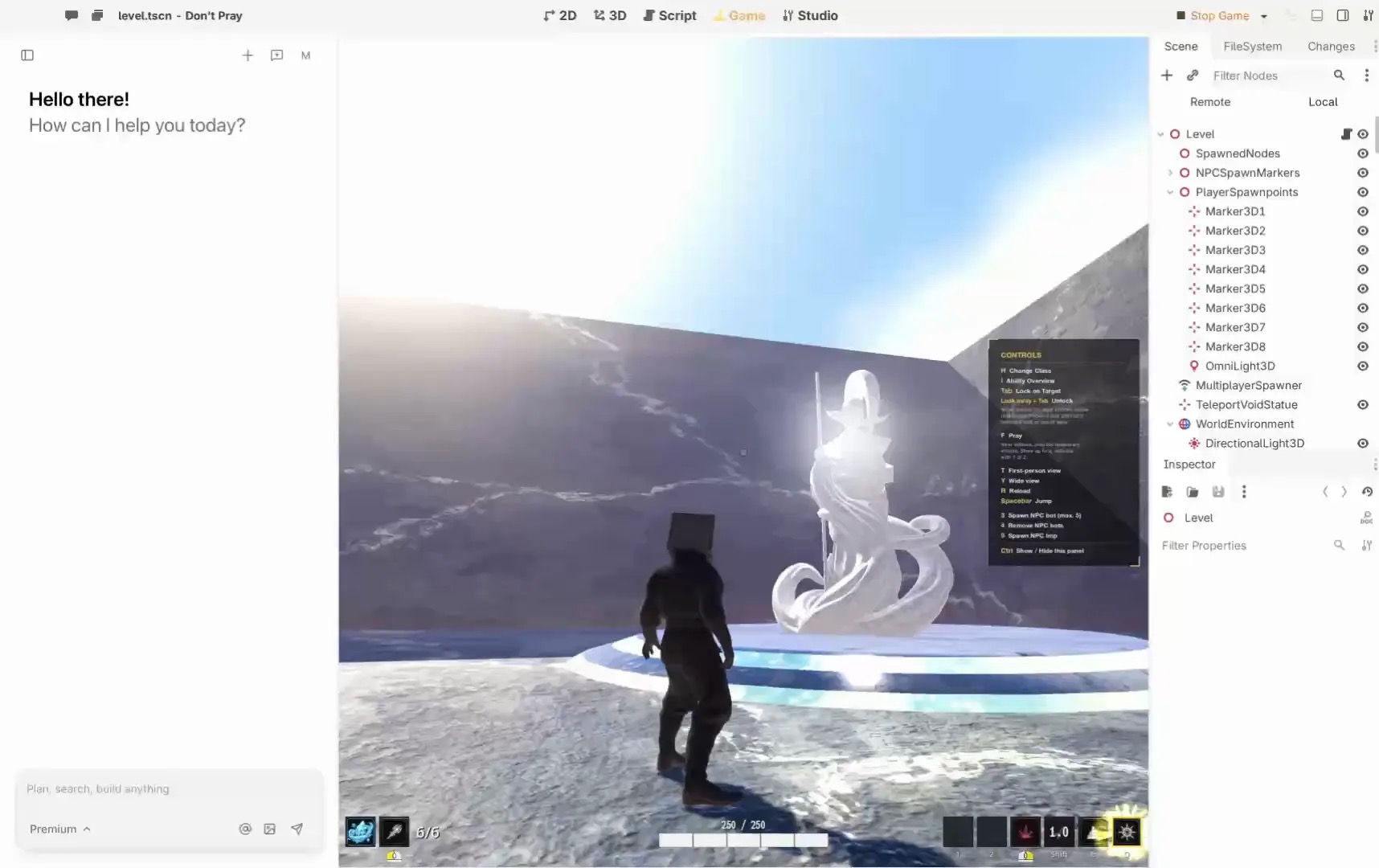
The best engine for a first game is the one that gets your particular game to a playable ending. Begin with a single level and one mechanic. If you want an agent to help while you inspect and edit a real project, start by evaluating Summer Engine. Its product page describes 2D and 3D editing with AI assistance. If open source or a visual 2D workflow matters more, consider Godot or Construct.
Choose by the work you want to do
| Starting point | First option to evaluate |
|---|---|
| Describe changes, then inspect the game | Summer Engine: agent and editor workflow |
| Learn a general-purpose open engine | Godot: scenes, scripts and source access |
| Prefer visual 2D logic | Construct: event sheets and optional scripting |
These are starting points, not measured rankings. Your target device and the type of game can change the decision.
Match the project to your skill
New to game development: make a one-screen dodge game. Ask for movement and one obstacle, then change the speed yourself. If you cannot locate or explain the setting, reduce the scope until the editor makes sense. Construct’s manual explains its event-based approach.
Comfortable reading code: build a room with a player, collectible and restart. Ask an agent to explain each change, inspect the files and retain a working checkpoint before a new feature. Summer’s connection guide describes using external agents; local and remote connections serve different purposes.
Want engine source access: Godot’s MIT license permits modification and commercial use, subject to its notice requirements. An AI agent is a separate integration to evaluate; do not assume it can operate the editor merely because it writes code.
A finishable first-game test
- Write the win, lose and restart conditions in three sentences.
- Make the player move and interact with one object. Play it before adding art.
- Change one rule by hand, then ask the agent to change another. Check both in play.
- Export for one intended device and have someone else open it. Record the steps and any platform requirements.
- Fix the most confusing moment, then stop adding features.
This is a suggested evaluation, not a claim that we tested each product. Keep a copy of the project and confirm your rights to any generated or third-party assets before sharing.
What will it cost?
Separate the editor, agent usage, assets, hosting and store fees. Summer lists its plans on its pricing page; an external agent can have separate charges. Godot’s license covers the engine, not every asset in a project. Construct lists subscription options on its purchase page. Check current terms and your intended export before committing.
When should you switch?
Switch early if you cannot export to the device you need, understand the project’s key rules, or pay for the expected workflow. A rough first prototype is useful evidence; a polished title screen is not a substitute for a complete loop.
Worked choice: a weekend puzzle
Imagine a beginner who has two weekends to make a top-down puzzle for a laptop. The game has one room, four switches and a door. There is no account system, online play or level editor. The first decision is not whether the engine can support an enormous world; it is whether the creator can make a switch change the door and explain that relationship afterward.
Try Summer first if the creator wants to describe that interaction to an agent and then inspect the scene. The first checkpoint is a room with a door that opens when one switch is touched. The second is changing the condition from one switch to four. If the creator cannot find the condition or recover from a bad change, simplify the task or try a different workflow.
Try Construct if the creator prefers to express rules through visual events. The useful comparison is whether the four-switch rule is understandable and editable after a day away from the project. Try Godot if the creator wants to learn a general-purpose engine and has time to learn scenes and scripts. With Godot, decide separately which agent or integration, if any, will help. None of these choices proves a game will be finished; the scope and the creator’s ability to work with the result matter.
What to check before choosing a plan
On its pricing page, Summer describes a free app with limited hosted AI messages, free MCP connection, and manual creation and export. A free editor does not make a separately purchased coding agent free. Check message and usage limits, privacy needs and current plan terms before moving a private project into any hosted service.
Construct lists subscription options on its purchase page; check the current regional quote and the features of the plan you need. Godot’s engine license has no subscription charge, but time, assets, distribution accounts and any AI service remain costs. Price the whole path to the intended player rather than just the first month.
Choose an ending before choosing a feature
For the puzzle, the ending might be a message and a restart button after the door opens. Define how a player can lose, if at all. Make one complete playthrough with placeholder graphics; only then add sound and visual polish. If the first level needs ten different enemy types to feel complete, the brief is too large for the test.
Keep three checkpoints: the first working movement, the first working objective and the build sent to a friend. Write down the engine version and the export steps with each. A saved project is not necessarily a playable package: follow the relevant export instructions and test the actual result on the device. For Summer, consult its export guide for the destination-specific path.
Questions a first-time creator may have
Do I need to know how to code?
Not necessarily to begin. However, you still need to describe rules, recognize an incorrect result and change or explain important behavior. A visual event, a script and an agent request are different ways to express a rule; choose the one you can understand well enough to maintain.
Should I start in 2D or 3D?
Choose the form that makes the core idea simplest. A grid puzzle can be tested in 2D before adding perspective or lighting. A game whose main interaction depends on looking around a room may justify 3D immediately. In either case, test input and the camera before investing in detailed assets.
Can I sell the result?
Review the current engine and AI plan terms, licenses for generated and purchased assets, and the destination store’s requirements. Godot’s license page explains the engine terms and notice; it does not grant rights to all assets you add. Keep records of the versions and licenses you relied on.
Want to play instead? Discover games on Summer Games.
About this guide
By Summer. Disclosure: Summer owns this publication and it promotes Summer products. Recommendations reflect the stated use case; product information comes from the official sources linked above, checked November 8, 2026. We have not claimed comparative hands-on tests.